01
Record in one click
Capture selected tab audio or video when a moment deserves more than a bookmark.
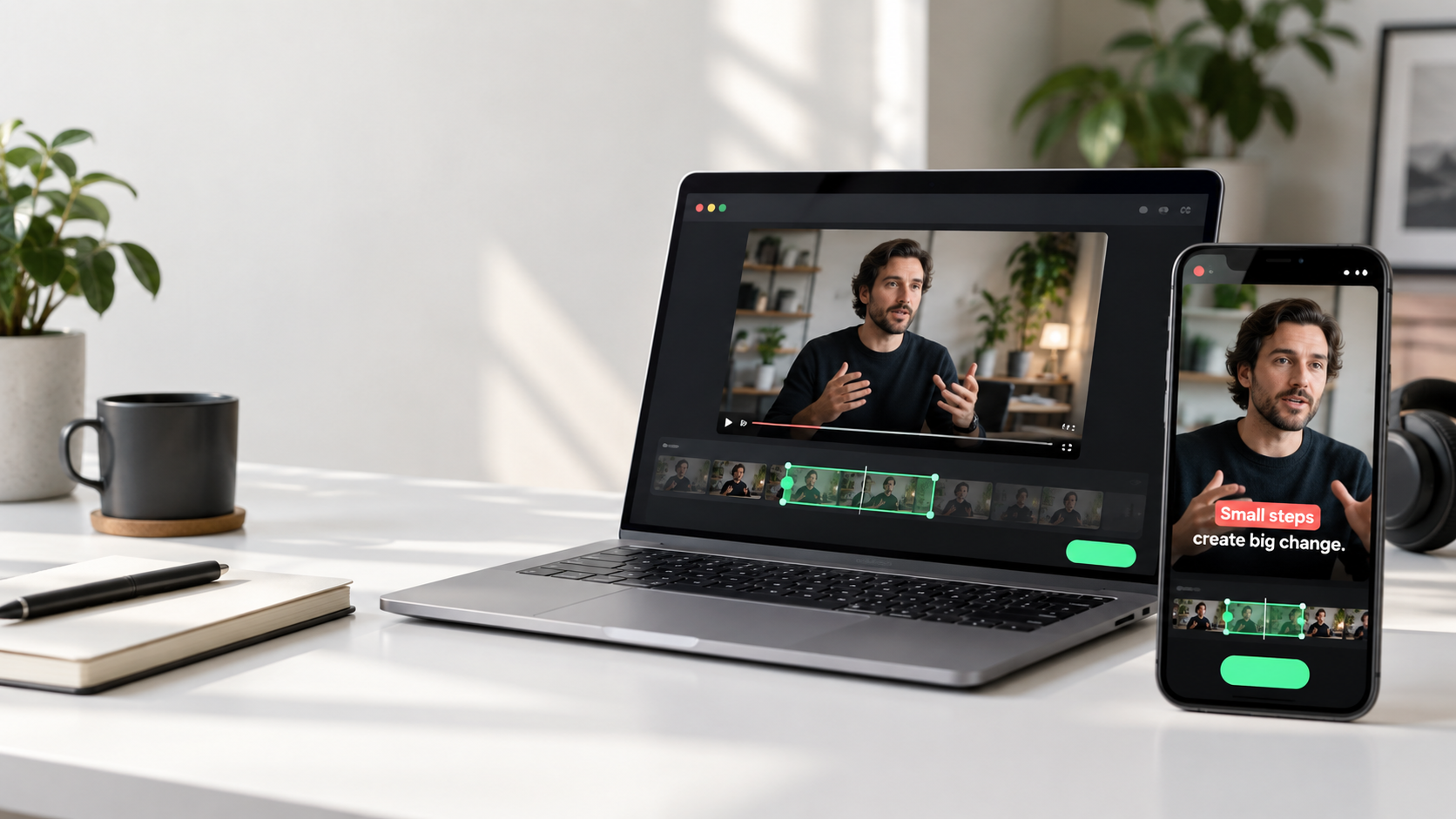
Save the exact moment from any browser tab, then turn it into a captioned video clip, clean transcript, or a note you will actually revisit.
Video Recorder & AI Captions gives you a quick way to preserve a useful thought without breaking your attention or reaching for another app.
Capture selected tab audio or video when a moment deserves more than a bookmark.
Ambient Mode keeps a rolling buffer so you can save something useful after you hear it.
Create editable captions, transcripts, titles, and share-ready text from the recording you choose.
Stay in the lesson, conversation, video, or presentation. Nothing extra to manage.
Record now, or use Ambient Mode to preserve a recent moment on demand.
Export a clip, refine captions, save a transcript, or create a title for sharing.
The core recording workflow stays useful without a paywall. Bring your own AI provider key, or use managed credits when they are available in your account.
For saving the moments you do not want to lose.
For faster caption refinement and writing assistance.
Yes. The extension is not designed around a specific language. Caption quality depends on the selected AI provider, audio clarity, and the language combination in the recording.
Yes. You can choose a compatible provider or custom HTTPS endpoint. Your key is stored only for the current extension session.
No. You are responsible for ensuring you have the rights, permissions, and consent required to record, keep, share, or publish content. Do not bypass DRM, paywalls, access controls, or platform protections.
Recordings, clips, captions, and settings are designed to stay in local browser extension storage until you export or choose an AI request.
Record the idea, explain it with captions, and return to it when you are ready.
Add Video Recorder & AI Captions